The film is already loaded.
Thirdstop picks the film for the light you're in. You just press the shutter.
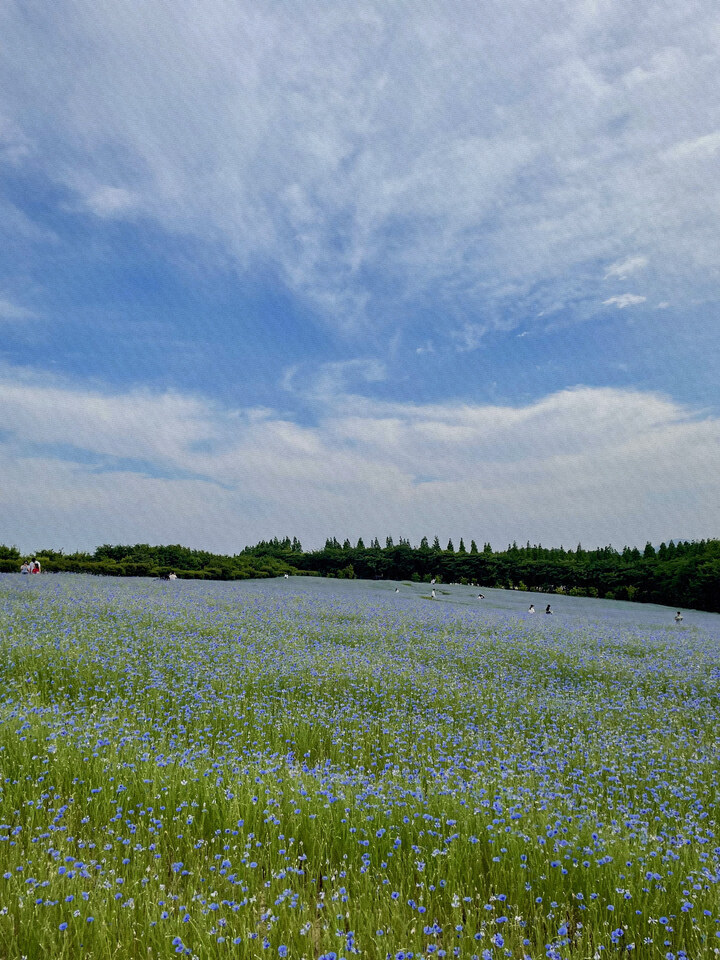
Taking photos got heavy.
Scroll through filters, drag sliders, hunt for yesterday's settings. The photos got better. Taking them got heavier.
Nothing to choose.
The scene is automatic, the film is optional, and what you see is what gets saved.
Scene — the light decides
It reads brightness, color temperature, time of day and the colors in the frame, and loads one of eight scenes. Pick one yourself and it stays pinned for the session.
Film — one swipe, if you like
Swipe sideways for a different film of the same scene. Don't swipe, and it shoots as is.
Save — as seen
What you see in the preview is what gets saved, and what gets saved is what gets shared.
A different film for every scene.
No color is reused with the brightness turned up or down. Noon outdoors and a late evening need different films. Each is named after the scene and the hour.
Sunny
Free- Noon Slide
- Summer Afternoon
- Sea Breeze
Overcast
Free- Overcast Diary
- After the Rain
Forest
Pro- Forest Shade
- Late Summer
- Moss and Stone
Street
Pro- Afternoon Street
- Glass Wall
- Newsstand
Cafe
Free- Window Seat
- Afternoon Cafe
Low Light
Free- Late Evening
- Lamp Light
- Quiet Room
Golden
Pro- Dusk
- Last Light
Night
Pro- Neon Street
- Night Window
Free reads the light: Sunny, Overcast, Cafe, Low Light. Pro reads the place and the hour too: Forest, Street, Golden, Night. Locked films can still be previewed.
One notch.
The name comes from one third of a stop, the smallest notch on a camera dial. You can barely see the difference, yet that one notch is how photographers decide a picture.
When a photo leaves, it becomes a card.
Saved and shared photos carry the film name, the date and your name. What you saw, and in what light, stays with the picture.
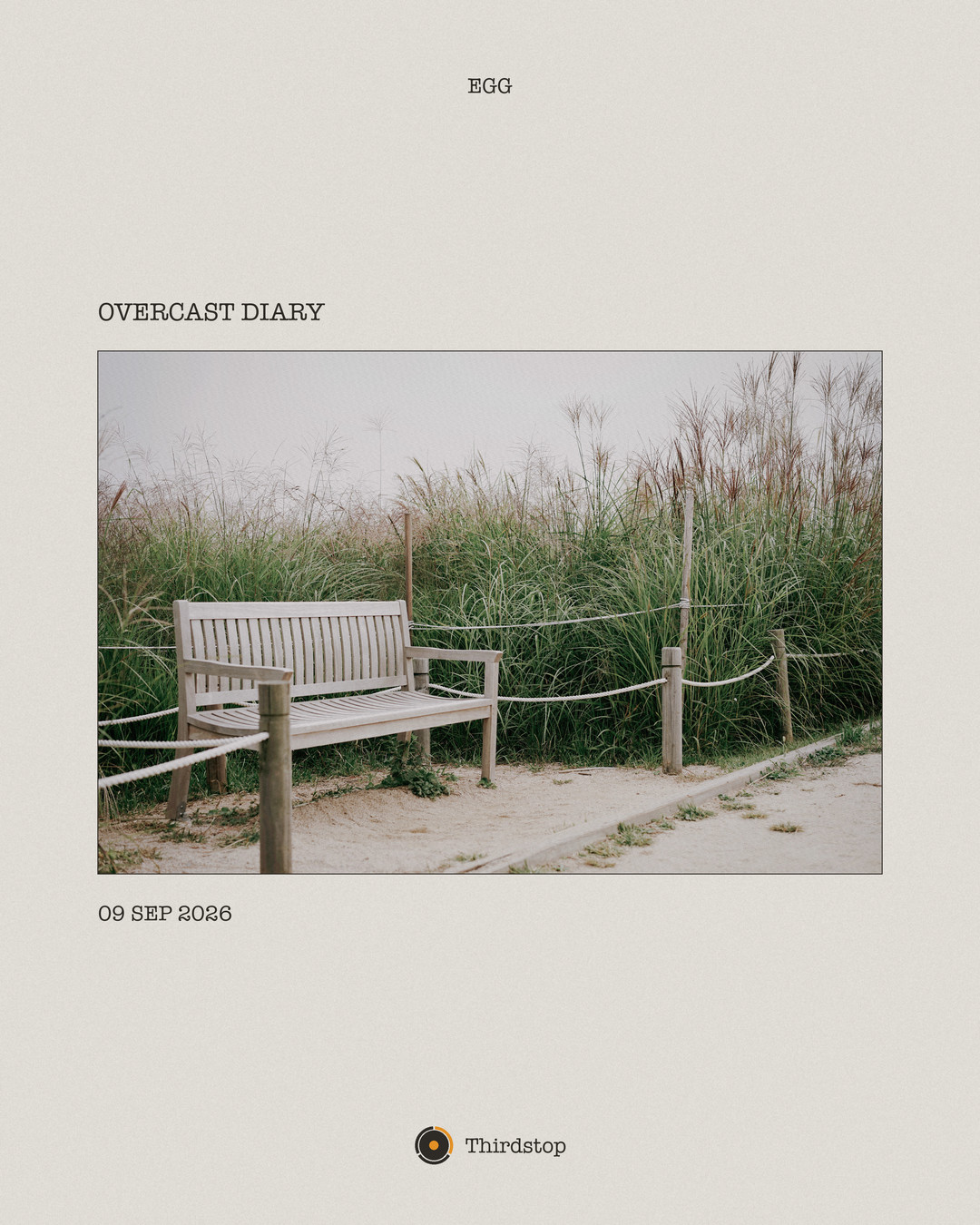
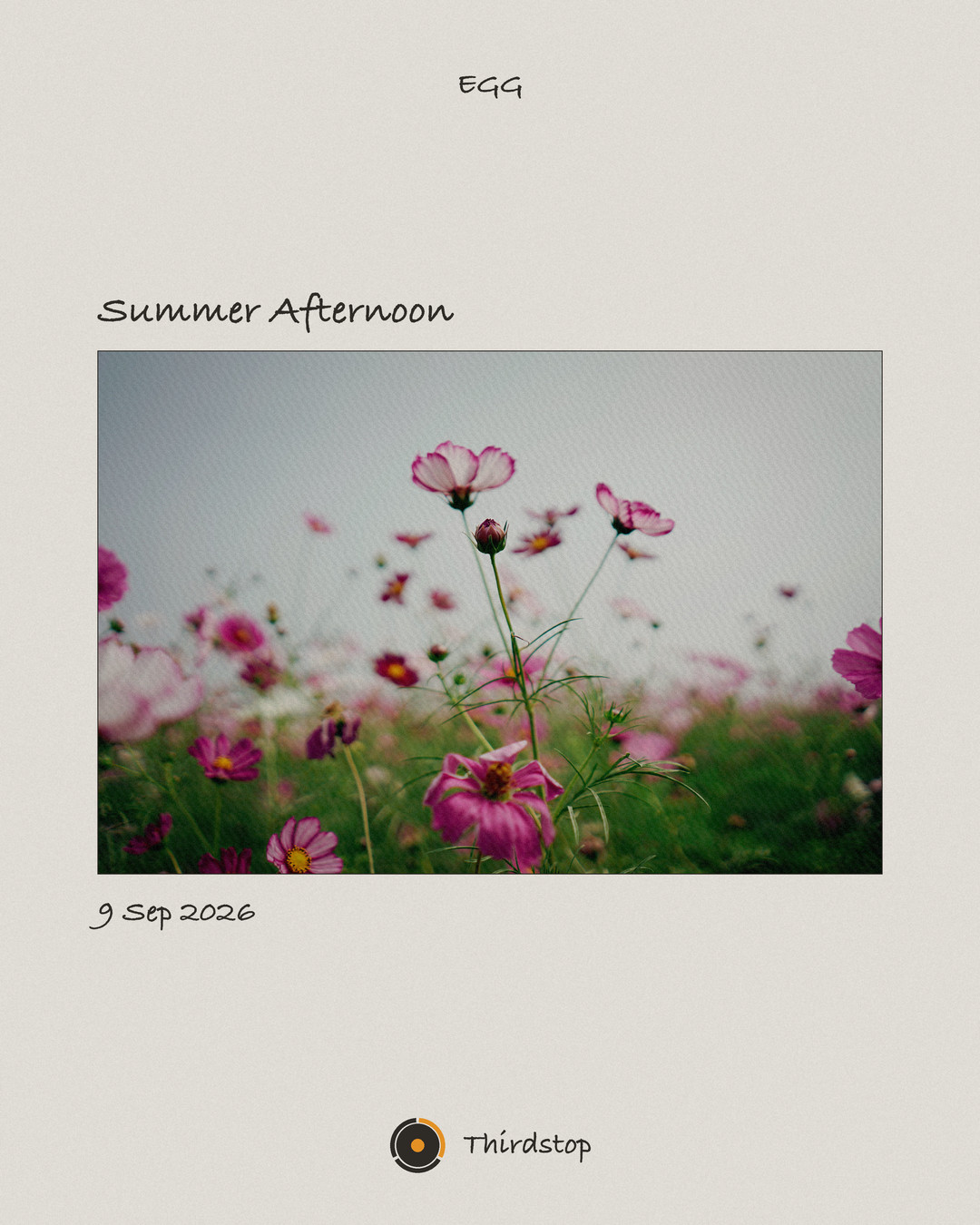
Your name is free for everyone. Pro turns the frame off or picks the typeface.
Your photos stay where you took them.
- Saved straight to your Photos app. No in-app library.
- No account, no server. Nothing leaves your phone.
- No microphone, no contacts. Photo library access is add-only.
More light.
Forest, street, golden hour and night. One purchase, yours for good. No subscription.
Free
Four scenes that read the light. Everything you need to shoot, save and share.
- Shoot, save, share
- Sunny · Overcast · Cafe · Low Light
- Your name on the card
- Preview locked films
Pro
All eight scenes, place and hour included. For good.
- Forest · Street · Golden · Night
- All twenty films
- Frame off, typeface choice
- Import existing photos
- Save RAW alongside
- Future films included
Shooting, saving and sharing stay free. Always.
Answered ahead of time.
What's included for free?
Shooting, saving and sharing, with no limits. Four scenes that read the light (Sunny, Overcast, Cafe, Low Light) and the classic film for each. Every other scene and film can be previewed before you buy.
Why is my saved photo a card?
When a photo leaves the app it becomes a 4:5 card carrying the film name, the date and, if you like, your name. What you saw, and in what light, stays with the picture. Pro can turn the frame off or pick the typeface.
Are my photos uploaded anywhere?
No. Thirdstop has no server and no accounts. Photos go straight to your Photos app and never leave your phone.
Is it a subscription?
No. Pro is a one-time purchase of $6.99, yours for good. No subscription, no trial. Films added later are included.
How do I restore a purchase?
Tap Restore Purchases in the app's settings while signed in with the Apple Account you used for the original purchase.
Is there an Android version?
Not yet. Thirdstop is iOS 17 and later for now; we'll decide after the iOS version has proven its color and performance.